
Digital Learning Resources
Digital Learning Vision
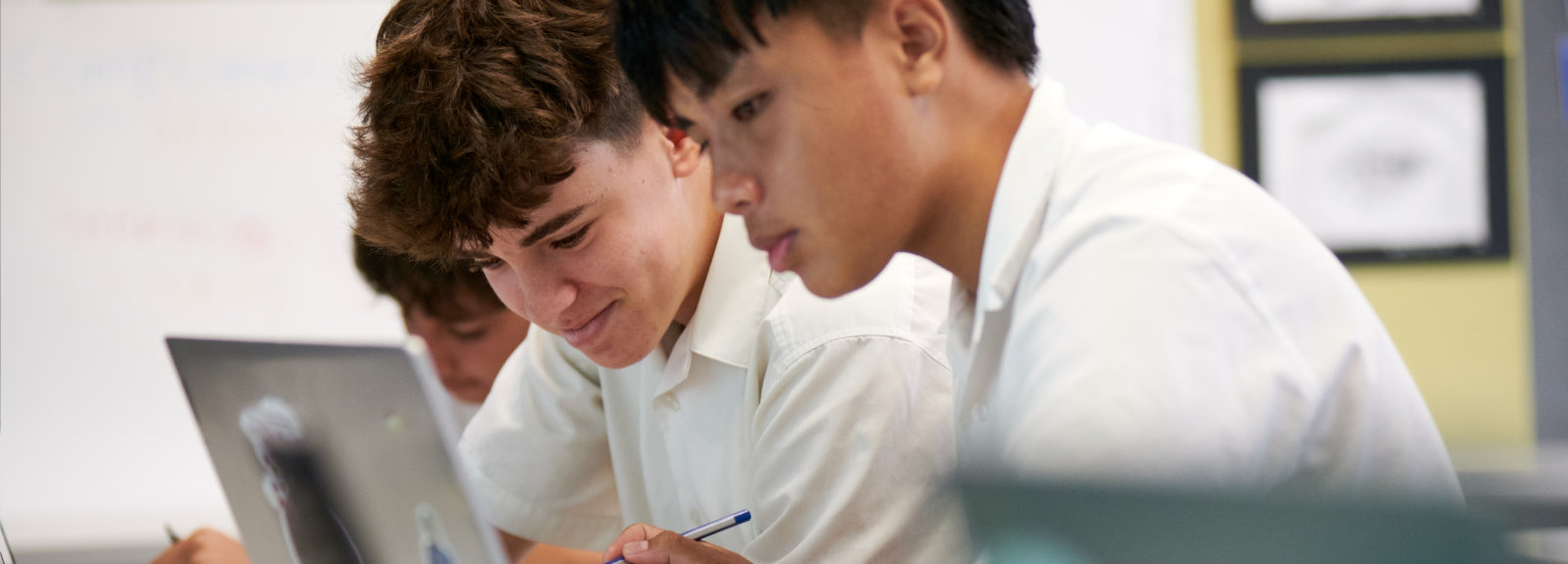
At Glen Eira College, students use technology to develop their skills in navigating the digital world safely, productively and critically. Teachers use digital technology to inspire student learning across the curriculum.
With the development of the Internet and digital tools, the walls of the classroom no longer limit access to information or communication. As a result, approaches to teaching and learning have evolved, and students and teachers alike must continually strengthen their skills to work effectively across multiple platforms.
We meet this challenge by providing opportunities to use technology to develop complex thinking processes, while continuing to value written techniques that embed learning. The integration of technology enhances problem solving, inquiry, and interpersonal skills.
BYOD Program 2026
From 2025, Glen Eira College is replacing the Chromebook program at Years 7–9 with a Bring Your Own Device (BYOD) program. This will provide families with greater flexibility and students with improved access to applications. Chromebooks may still be used as part of the BYOD program, but tablets and iPads are not included.
BYOD Rationale
The BYOD program has been introduced to:
-
- Enable all students to access technology that supports and enhances their learning both in and out of the classroom.
- Ensure students develop the knowledge, skills and attitudes necessary to become safe, capable digital citizens.
- Provide a range of device options that suit different family needs and budgets.
- Facilitate access to digital learning applications such as:
- Microsoft Office 365 (Word, Excel, Teams, PowerPoint, Outlook)
- Adobe Creative Suite (Photoshop, Illustrator, etc.)
- Compass Education (student management system to be used in 2026)
- ClickView (video resource platform)
BYOD Options
There are two options available for families in 2026.
Option 1 – Purchase through our approved supplier (CompNow)
-
- Purchase information to be available in Term 4.
- On-site repair service and warranty options for families who prefer additional support.
- Flexible payment options available.
- Devices meet school specifications by default.
Option 2 – Bring your own device that meets minimum specifications
Can include most laptops (Windows, MacBook) and must meet the following minimum specifications:
-
- CPU: Intel Core i3 or equivalent modern multi-core processor (e.g., AMD Ryzen 3, Apple M-series) released within the last 5 years.
- Screen: 13.3” FHD (1920×1080)
- Memory: 8GB DDR4
- Wireless: Intel Dual Band Wireless-AC 8265 (2×2, 802.11ac)
- Storage: 256GB SSD
- Keyboard: Integrated
- Battery: Minimum 9 hours
- Camera: Front-facing
Please note that families are responsible for warranty and repairs with their supplier.
Click ‘Order a device online’ to view BYOD ordering guides